
iPhone · iPad
IPTV player for iPhone: your M3U lists in your pocket
Open your list on the iPhone and find movies, series and channels in a tidy catalog, with the TV guide and the spot where you left off.

7-day free trial · no content included
How to install on iPhone
Three steps, without leaving your iPhone.
- Open the App Store from the badge above, or search for ZipTv, and install the app.
- Paste the link to your M3U list or enter your API server details: credentials are encrypted right away.
- ZipTv prepares the catalog in a few minutes, and you can start watching while it finishes.
Your catalog, always with you
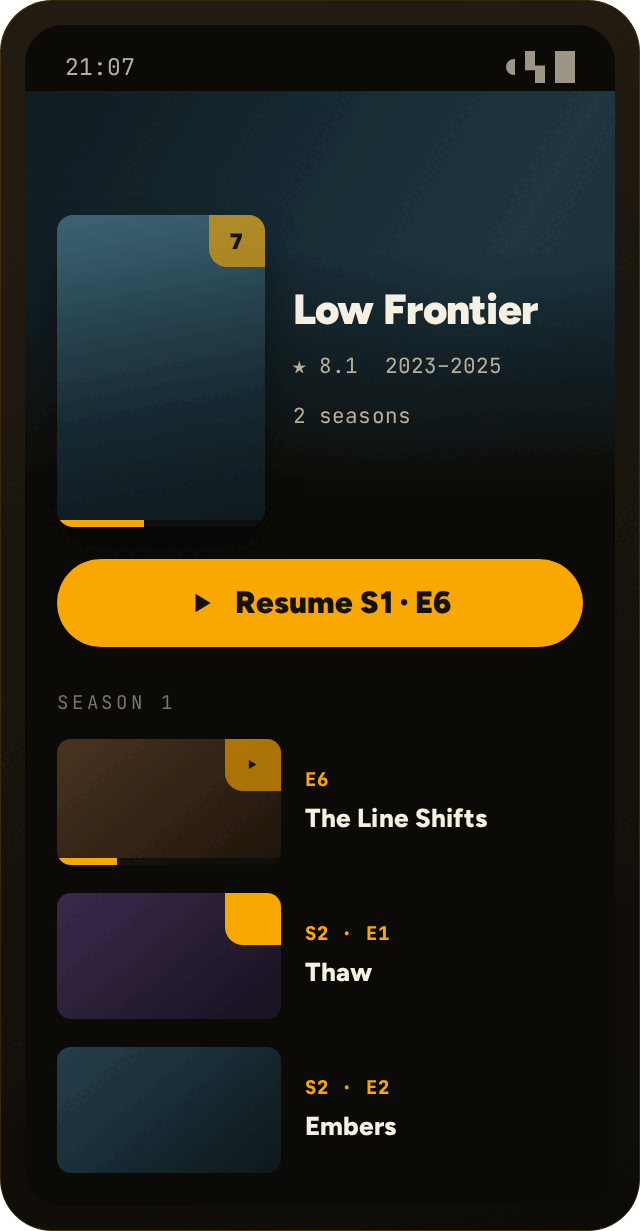
Pick up where you left offContinue watching and New episodes take you back to the right spot, and progress stays in sync with your other devices.
Search and filterPosters, plot and cast are matched to the titles in your list. Search by title, actor or genre.
Audio and subtitles within reachPick the audio language and subtitles from the Options menu: ZipTv remembers your choice for the next episode too.
Questions about ZipTv and iPhone
Does it work on iPad too?
Yes. It is a single app for iPhone and iPad, with lists and progress in sync.
Can I watch on the TV as well?
Yes, with the same subscription you can use ZipTv on Fire TV too. To pair the TV, scan the QR code on its screen with your phone or type the code.
How much does ZipTv cost on iPhone?
7 days free, then €1.49 a month or €11.90 a year. One subscription covers up to 5 devices. If you paid through the App Store, you cancel from the store's subscription management.
Does ZipTv include channels or lists?
No. ZipTv is only a media player: it plays the M3U lists you add yourself and does not include, sell or index any content.
Your list, on your iPhone.
Get ZipTv from the App Store and try it free for 7 days.