
Guide · Phone and TV
The same M3U list on phone and TV
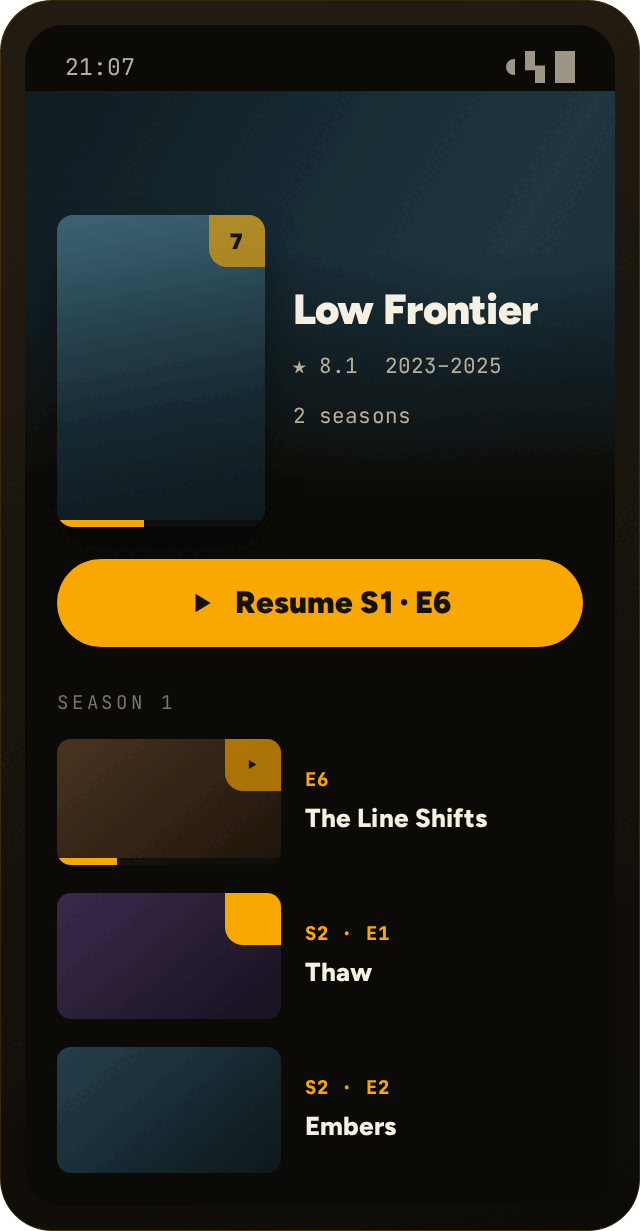
Add the list once: ZipTv brings it to every device on your account. And if you pause on the phone, you resume on the TV from the same point.
Up to 5 devices · one subscription
The steps
- Install ZipTv on the phone and on the TV and sign in with the same account.
- On the phone open Sources › Add and paste the link to your M3U list or enter your API server details (server address, username and password): you add it only once.
- Pair the TV with the QR code: list and key arrive already encrypted, with nothing to type on the remote.
- Watch on one device, pause, and open ZipTv on the other: playback resumes from the right point.
Two things not to mix up
The list is the same everywhereThe Source belongs to your account, not to a single device: whatever you add on the phone shows up on every linked TV.
Resuming is a different thingWhere you stopped syncs in real time: pause on the phone, resume on the TV from where you left off.
I cannot find the resume pointCheck that you used the same account on both devices and that both are online: the state syncs from there.
Questions about phone and TV
Do I have to add the list on every device?
No. You add the list once from the phone and it is the same on all the devices of your account, up to 5 with a single subscription.
If I pause on the phone, do I resume on the TV?
Yes: the viewing state syncs in real time across the devices linked to your account, and you pick up from where you were.
How much does it cost to use more devices?
One subscription covers them all: 7 days free, then €1.49 a month or €11.90 a year, for a maximum of 5 devices.