
Guide · Pairing
How to pair your TV with the QR code
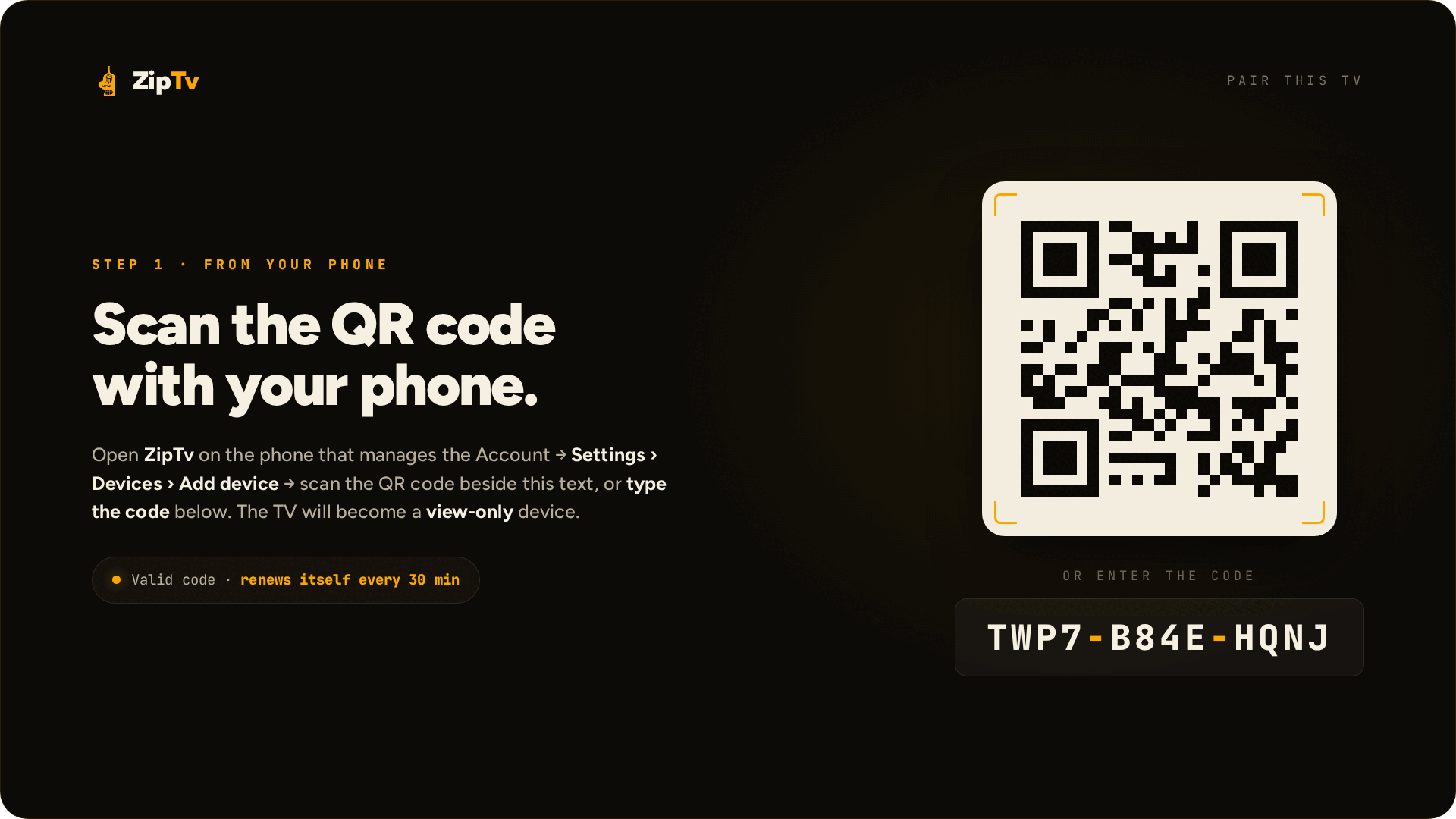
The TV has no keyboard, so you link it from the phone: scan the QR code on the screen and the TV receives your lists and key already encrypted.
You need the phone with ZipTv · nothing to type on the remote
The steps
- Open ZipTv on the TV: the pairing screen shows a QR code and a code.
- On your phone, in ZipTv, scan the QR code; if you prefer, type the code next to it.
- The TV receives your lists and key, already encrypted: from then on it is a view-only client.
- Add or change lists from the phone, in Sources › Add: they show up on the TV by themselves.
If something goes wrong
The QR code will not scanType the code shown next to the QR code: from the phone it has the same effect and nothing else is needed.
Another TVYou can link more devices to the same account, up to 5 with a single subscription: every TV pairs the same way.
I do not see the list on the TVLists are added from the phone, not from the TV: add it in Sources and the TV will show it with no other step.
Questions about pairing
Can I pair the TV without the phone?
The TV is a view-only client: it pairs from the phone, where you manage lists, profiles and devices. That way you never type with the remote.
Is pairing safe for my data?
Yes. Lists and key reach the TV already encrypted, with a key that never leaves your devices: ZipTv cannot read them.
How many TVs can I pair?
Up to 5 devices in total, phones and TVs included, with a single subscription: each TV pairs with its own QR code, one at a time.