
Fire TV · Amazon Appstore
IPTV player for Fire TV: your M3U lists on the big screen
ZipTv turns your Fire TV into a tidy player for the lists you already have: TV guide, movies and series with posters, resume watching. Everything works from the remote, with no typing.
7-day free trial · no content included
How to install on Fire TV
A few minutes from the couch. The phone only pairs the TV, so you never type with the remote.
- On your Fire TV, search for ZipTv in the Amazon Appstore, or start from the badge above, and install the app.
- Open ZipTv on the TV: the pairing screen shows a QR code and a code.
- On your phone, scan the QR code in ZipTv or type the code: the TV receives your lists and key, already encrypted.
- From the phone, paste the link to your M3U list or enter your API server details (server address, username and password): ZipTv builds the catalog, TV guide and posters.
Built for the remote
Focus you can see from afarGold ring, scale and glow: you always know where the remote is pointing, even from ten feet.
A few clicks to pick up againThe featured title comes first, then Continue watching and New episodes: everything is a few key presses away.
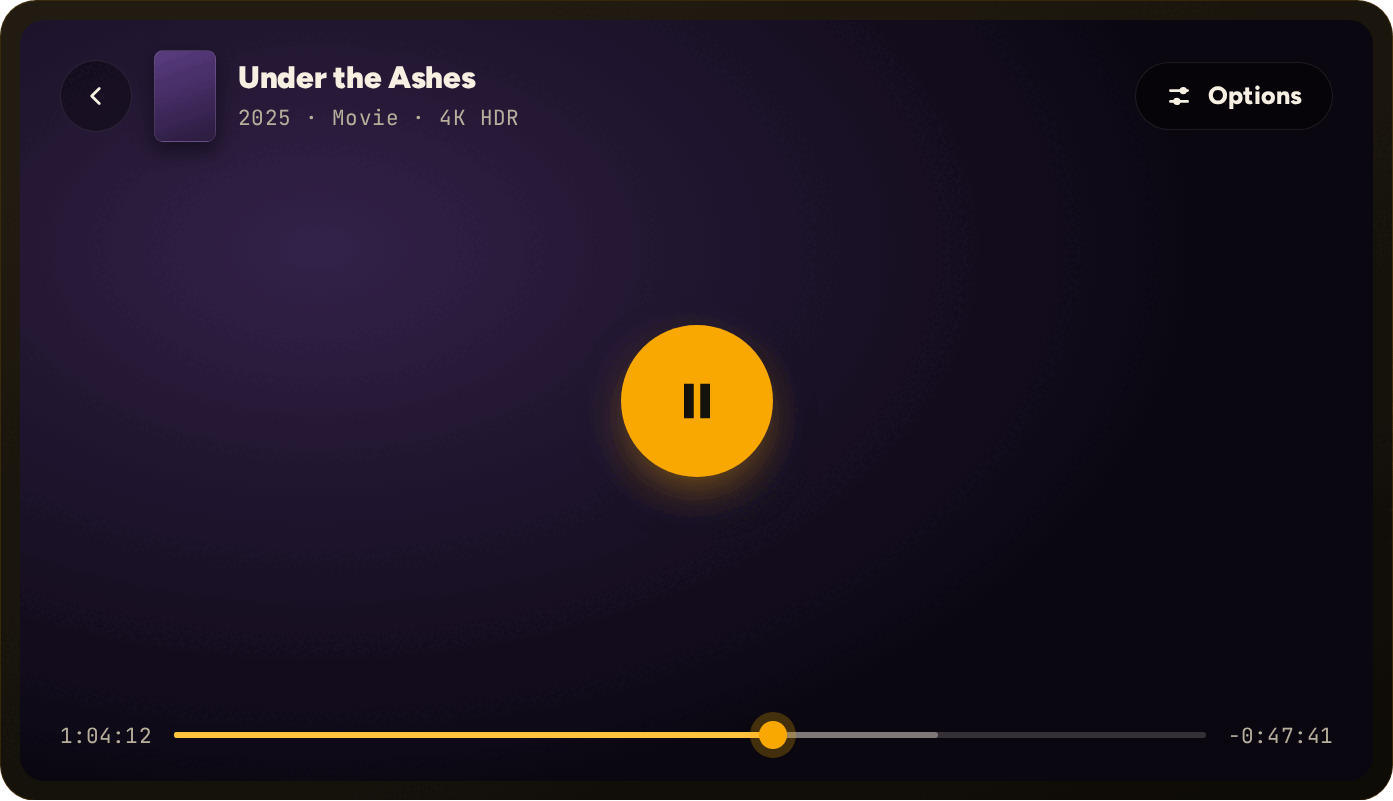
Remote shortcuts in the player◀ jumps back 10 seconds, ▶ forward 30. Audio tracks and subtitles are in the Options menu.
Questions about ZipTv and Fire TV
Where do I get ZipTv for Fire TV?
From the Amazon Appstore: search for ZipTv on the Fire TV itself or use the badge on this page. The price is the same as on the App Store and on our website.
How do I add my list without typing with the remote?
The TV shows a QR code and a code. Use them from the ZipTv app on your phone and the TV receives your lists and key, already encrypted. You enter the link to your M3U list, or your API server details (server address, username and password), on the phone.
How much does ZipTv cost on Fire TV?
7 days free, then €1.49 a month or €11.90 a year. One subscription covers up to 5 devices, with progress and lists in sync.
Does ZipTv include channels or lists?
No. ZipTv is only a media player: it plays the M3U lists you add yourself and does not include, sell or index any content.
Is there a version for Fire tablets too?
Yes: it is the same Amazon Appstore app, with the same subscription. On a tablet the interface is designed for touch, with no remote needed.
Your lists, finally on the TV.
Get ZipTv from the Amazon Appstore and try it free for 7 days.